05 · Translate
Translate: the same ad in twelve Indian languages, set in the ad itself
Translate takes a brand's finished ad, reads the text on it, translates the lines the brand chooses, takes the old words out and sets the new ones where they were, with everything else put back from the original.
What it does
- Translate returns the same ad in another language: the chosen lines are re-set where the old ones were, and everything outside those lines is put back from the original, pixel for pixel.
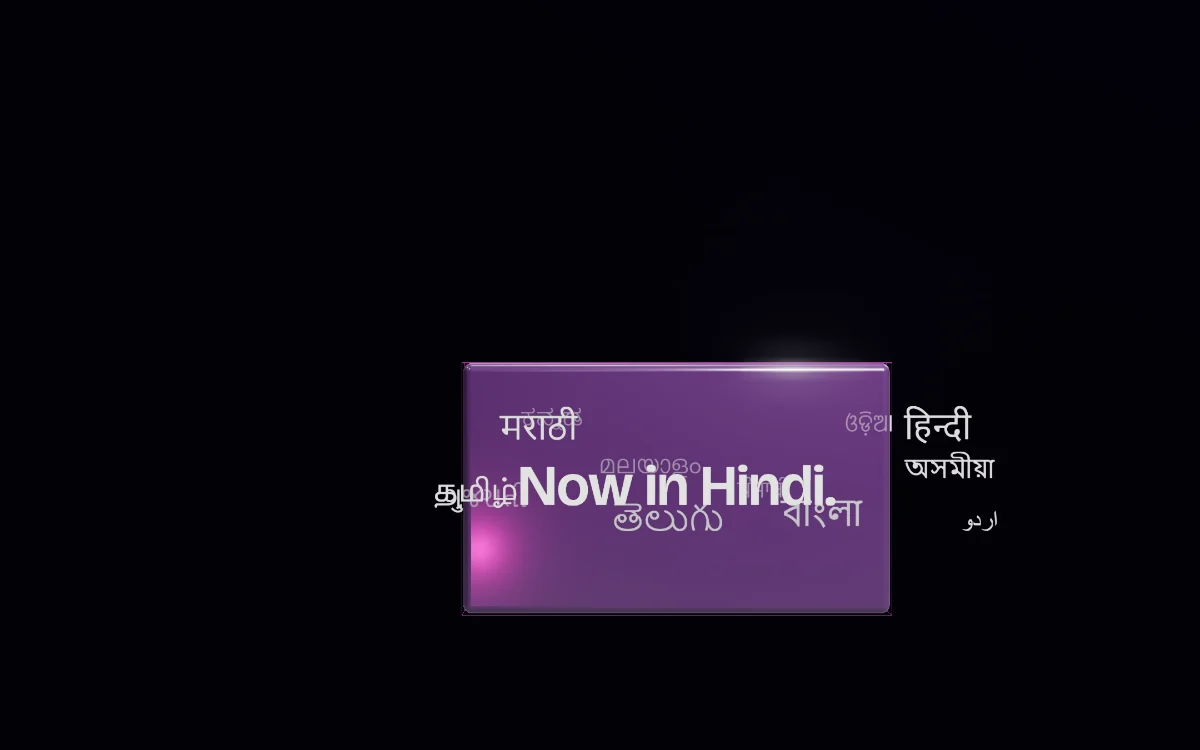
- It offers twelve Indian languages — Hindi, Bengali, Telugu, Marathi, Tamil, Gujarati, Kannada, Malayalam, Punjabi, Odia, Assamese, Urdu — and English, and the language popup offers every one except the language the ad is already in.
- A brand can ask more than one translator at once, see each version side by side line by line, take the wording it wants or write its own. A hand-edited line is marked “Yours”.
- The finished ad can be checked three ways: any line read back in English, a read of the new ad beside the original, and a free “What changed” view that lights every changed pixel and counts the share changed outside the text areas.
- A brand can set the new words in its own font file, after confirming it holds the licence. The file's character map is read first, so it is offered only for the scripts it actually has.
- Translation is also available inside an image edit: a line can be translated as one change among others, and the brand sees and confirms the wording before the image is made.
How it works
- Only the text areas are reworked, not the ad, and The Vyral sets the type itself. The letters are never drawn into the picture, which is why Indian scripts come out spelled as written.
- Every line gets one of three verdicts — recommended to translate, translate but it will look different, recommended to leave as it is — with its reasons and a crop of the line, worked out again for each language.
- The steps are: approve the lines, pick the language and translator, choose the wording, put it on the ad, then set the type. Choosing the wording sits between the two paid steps with nothing committed, so going back costs nothing and loses nothing.
- A translated line is set in the colour sampled off the original letters, in a face chosen to match the kind of lettering the original used, from a catalogue covering eleven scripts; Urdu is always set in Nastaliq.
- Every line carries a length budget. The fit is measured in the font it will be set in, and the wording step says how much wider a line is and at what size it will set, with “Ask for a shorter one” beside it.
- No line is translated alone: each goes with the lines before and after it, its role and position, the ad's gist and what the picture shows; a tone and a short instruction are optional.
- Every language after the first pays only for its translation: the clean plate is kept, and each rendition is set on it in the browser.
What it never does, and what it asks first
- Brand names are never translated and never sent to any translator. On-pack text, prices, legal small print and handles start left alone.
- Nothing is erased, and nothing is charged for erasing, until the brand has read the words.
- Decorative lettering is not restored in another script. The brand is told it will look different and decides.
- Nothing that costs runs until the brand has confirmed what it will do; declining runs and charges nothing.
Where it stands today
- Translate is live as its own tool in Studio, and its outline correction has been proven on the live site against a real ad.
- The step that takes the old text out of the ad uses the image-making capability, which is still being switched on for workspaces, so no translated ad has yet been produced end to end.
- The recommended translator for Indian languages is switched on. Two of the four translators on the shelf are not yet, and the popup marks them “soon”.
Questions
Which languages can I translate an ad into?
Hindi, Bengali, Telugu, Marathi, Tamil, Gujarati, Kannada, Malayalam, Punjabi, Odia, Assamese, Urdu and English. The popup offers every one except the language the ad is already in.
Will my product, pack or logo change?
Only the text areas are reworked, and everything outside the lines you chose is put back from your original file, pixel for pixel. Brand names are never translated. “What changed” then shows every changed pixel so you can see it for yourself.
Can I read the translation before the ad is touched?
Yes. Translating and erasing are two separate presses with your words in between. Every line is shown with what it said and what each translator made of it; you can change anything or write your own, and nothing is erased until you go on. Going back loses nothing.
I don't read the language. How do I know the translation is right?
Three ways: read any line back in English; have the new ad read beside the original, line by line; and count every changed pixel outside the text areas, which is free. Each line also comes with a verdict and the reason for it before anything is spent.
Will the Hindi or Tamil version look like the original?
The font is chosen to match the kind of lettering the original used, in a face made for that script, and the colour is sampled off the original letters. Where that is not possible — decorative or brush lettering, or no matching face for the script — the line is marked “will look different” before you decide.
Works with
Bring your spark.
Paste your site. The Vyral reads it: logo, colours, products, voice. And the the Prysm opens around it.