06 · Brand language
Brand language: how your brand looks and speaks, read from your own images
Brand language reads a brand's own images and shows what they have in common, each line a count traced to the images it came from, and image creation works within it.
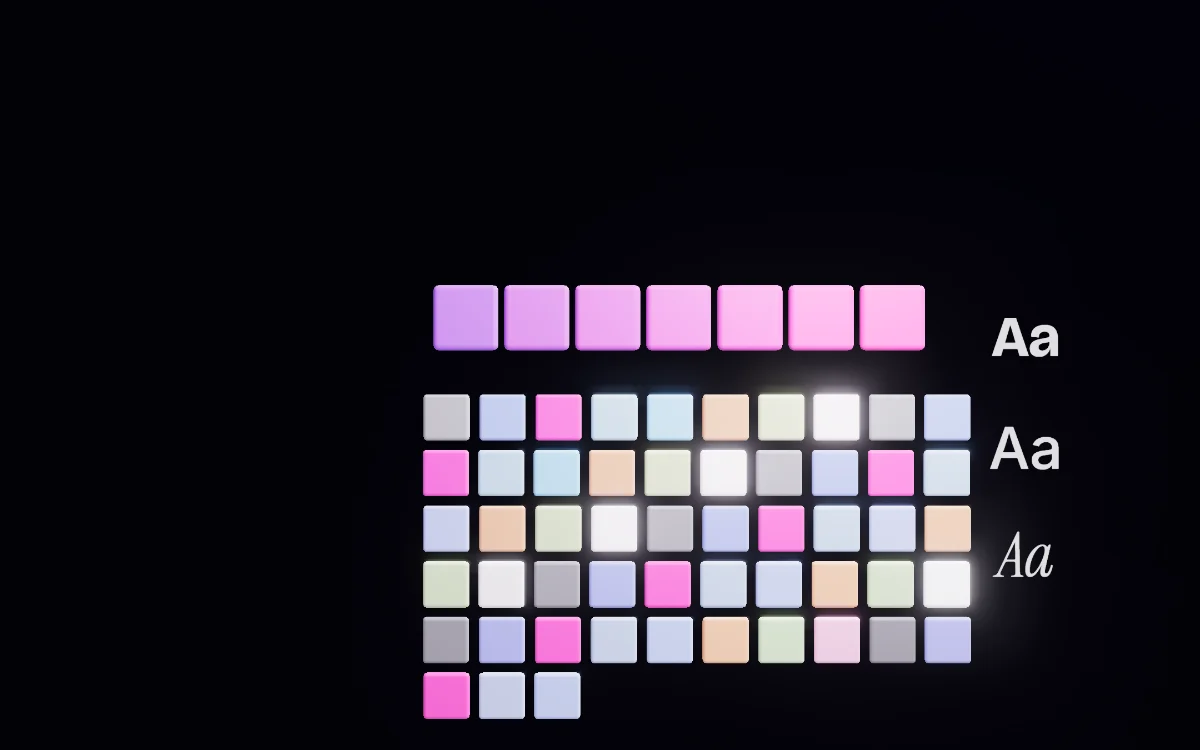
What it does
- Brand language combines the design notes of every studied image the brand has chosen into one picture of how the brand looks and speaks, under eight headings: what you make, words, the frame, the look, the camera, what is in it, the argument, the brand.
- Every image that arrives in Brand content is studied as it arrives, and Brand language fills in on its own.
- The page opens with a signature strip: the palette as a bar where each colour is as wide as the share of images it appears in, the number of images read, what the brand is most consistent about, and where its work agrees least.
- When an image is created, the brand's language goes into the request as a description to match — colour, type feel, light, composition and tone — and the brief wins where they differ.
- Importing a brand from its own website reads the logo, the palette, the type and the voice off the live page, and nothing is saved until it is ticked.
How it works
- The page is combined by counting in the browser, not summarised, so every line can be traced to the images it came from, shown as “in 5 of 7”.
- Each section is one sentence on the outside, such as “Mostly product shot” or “Always uppercase”, and the sentence is always defensible because it is a count, phrased. Opening it shows every value, how many images said it, and the images themselves.
- By default the hundred most recent images build Brand language. Older work is left out rather than averaged in, and the brand can add any of it back or take any of the hundred out.
- A single line can be removed without removing the image: “Remove some of these” turns a section into a chooser, shows every image each line was read off, and confirms once. Removed lines live in their own view and can be restored one at a time.
- Studying asks once for the whole batch before anything runs, and the progress bar carries a real count — “Studying image 3 of 11” — because images studied are something that is counted.
What it never does, and what it asks first
- A competitor's ad never feeds Brand language, even if it was counted before being re-marked. The page says how many saved ads are held out, and that the language is read off the brand's own work only.
- A brand with nothing studied gets no section at all, never a guess at one. The page says “Nothing studied yet”.
- Colours in Brand language are shown as an estimate of what was seen and are never written into the brand's palette in Brand assets.
- A fact reaches image creation only when at least two images, or a third of them, agree on it.
- Everything the importer reports carries one of two labels — “read off the live page” or “inferred — check it” — and what was not found says so and cannot be ticked. On a marketplace link or a site that sells several brands, the importer stops and asks whose brand it is.
Where it stands today
- Brand language is live: its sections, the removal chooser and the removed view have been walked end to end on the live site.
- Image creation has read Brand language since 2026-09-25, but the image-making capability is still being switched on, so no image has yet been made in it.
- A study that could not complete is flagged “Couldn't study” on the image's tile rather than going silently missing from the counts.
Questions
Is Brand language made up?
No. The page is counted in the browser from your own images, not summarised. Every line says how many images it came from, and opening a section shows those images.
Do the competitor ads I saved affect my Brand language?
No. An ad marked as a competitor's is held out, and the page says how many are held out. Your Brand language is read off your own work only. Competitors' ads stay available for reference, comparison and Forge.
Can I remove one thing it says without removing the image?
Yes. Every section offers “Remove some of these”. You tick the lines, see every image each one came from, and confirm once. The images stay and keep feeding everything else they say.
Will it change the colours in my brand palette?
No. The colours Brand language shows are what was seen in your images, shown as an estimate. They are never written into the palette in Brand assets.
What does it show if my images haven't been studied yet?
Nothing is guessed. With no images it says “No images yet”; with images not yet studied it says “Nothing studied yet” and fills in as each one is studied.
Works with
Bring your spark.
Paste your site. The Vyral reads it: logo, colours, products, voice. And the the Prysm opens around it.