03 · Render
Render: your pack in 3D, exact, from every side
Render takes a brand's own pack — its label file, photos, drawing or measurements — and gives back a 3D view the brand can turn, and a photoreal turntable in which every frame is checked against the lines the brand locked.
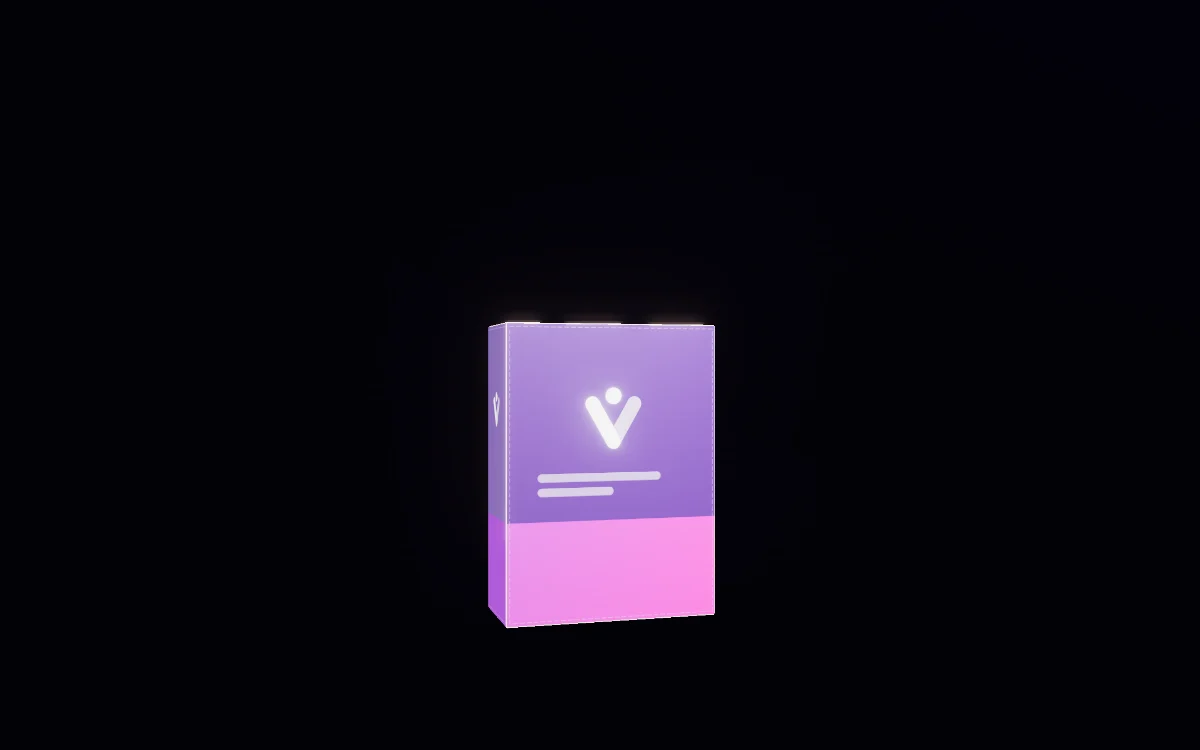
What it does
- Render shows a brand's pack in 3D, from every side, built from the brand's own label file, photos, drawing or measurements.
- Render has two views, 3D · exact and Photoreal, because no one method is both exact and photographic.
- In the 3D view the brand's own label file is wrapped pixel for pixel onto the pack. Nothing is redrawn, so every letter on the label is the file's, and the view is free.
- The photoreal view is a turntable of frames in which the first angle is made first and handed to every later angle as the same shoot, so light, background, scale and camera match all the way round.
- Every photoreal frame is checked by a reader beside the brand's reference that shows that angle best — line by line against every locked line, and on logo, colour, shape and anything invented — and a frame passes only when every item passes.
How it works
- There are seven ways to give Render the pack, listed most exact first: the flat label or dieline file, a photo of each of the six sides, one image, frames from a walk-round phone video, an image already in Brand content, close-ups, and words.
- Render has eighteen shapes in six families, one of them “My own shape”, so no format is imposed on the brand. Each shape takes the brand's own measurements in millimetres; a blank keeps the shape's proportion and a number is used exactly.
- A technical drawing has its own slot. It is the authority for the shape, print is never taken from it, and only measurements written on it are read.
- Drag turns the 3D pack while the camera and the light stay put. Light comes from one of eight directions at four heights, soft or hard, with or without shadow, on white, grey or dark; any angle downloads as a PNG or a cut-out.
- A new light is a new shoot: changing the direction, height, shadow, softness, backdrop or tier starts a new set of frames rather than mixing lights on one turntable, and earlier sets stay selectable.
- “Read it off the pack” lists every line, colour and typeface the reader can read; each arrives unticked and marked “read — check”, and an unticked line is never used in a frame or its check.
What it never does, and what it asks first
- A walk-round video is never uploaded. Only the frames the brand assigns to a side leave the phone.
- A frame that fails its check is kept and marked “Check this frame”, with what it actually says. It is never hidden and never passed.
- A face nobody photographed is rendered blank in the pack's material, never given invented print.
- A frame made from words alone has nothing to be checked against: it is filed unchecked and tagged as made from words only.
- The reader's guesses at shape, material, finish and closure are shown as “inferred — check it”, and are never applied on their own.
- The 3D view is a clean mockup of a standard shape. A round pack without a label file gets its front and back photos wrapped roughly, and the screen says so.
Where it stands today
- Render is live, and the 3D view is free. No real pack has yet been read or rendered on the live site, so the first real pack is the first proof.
- The photoreal frames are deployed but the image-making capability behind them is still being switched on for workspaces; until then they refuse with a plain message and nothing is charged.
- Sending a finished render into Studio or the catalog is not built yet.
Questions
What do I need to give Render to start?
The label file, a photo, or a description. A front photo alone is enough to start; each side you add is a side nothing has to guess. The flat label or dieline file is the one input where every letter is the file's own, because it is never redrawn.
Does my pack have to fit one of your shapes?
No. There are eighteen shapes in six families, one of them “My own shape”, and a shape takes your own measurements in millimetres. A blank keeps the shape's proportion; a number you give is used exactly. A technical drawing is the authority for the shape when you have one.
Will the text on my pack come out exactly?
In the 3D view, when you give the label file, yes: it is wrapped pixel for pixel and nothing is redrawn. In the photoreal frames, every line you lock is given to the frame word for word and every frame is checked line by line against those lines, the logo, the colour and the shape. A frame that fails is kept and marked, never passed.
Is my walk-round video uploaded?
No. The video never leaves your device. Only the frames you pick and assign to a side are sent.
What happens to the parts of the pack I didn't photograph?
A face nobody photographed is rendered blank in the pack's material. It is never given invented print, claims, badges or a back label.
Works with
Bring your spark.
Paste your site. The Vyral reads it: logo, colours, products, voice. And the the Prysm opens around it.